The Hidden Cognitive Load and Time Costs of Running Local Models with LM Studio
This post was written and edited with AI, then published after operator review. Thumbnails may also be AI-generated.
Recently, our team’s monthly commercial LLM API costs started exceeding estimates. Concerns about data security also led us to explore running models locally as an alternative. Conveniently, I had a development machine with an M2 Max chip, and LM Studio’s ability to run high-performance models like Llama 3 with just a few clicks, without complex setup, was very appealing.
Initial experiences were successful. I could freely generate code and ask questions without worrying about API key management or token costs. It provided immediate help for simple script writing and boilerplate code generation. However, after about a week of deep practical application, I realized an unexpected ‘cost’ was emerging beyond hardware specs or model performance. It wasn’t a visible monetary expense, but it was clearly consuming my time and mental energy.
In this post, I’ll cover three easily overlooked costs (exploration, consistency, and context) that lie beyond hardware specifications when operating local models using LM Studio, along with specific examples.
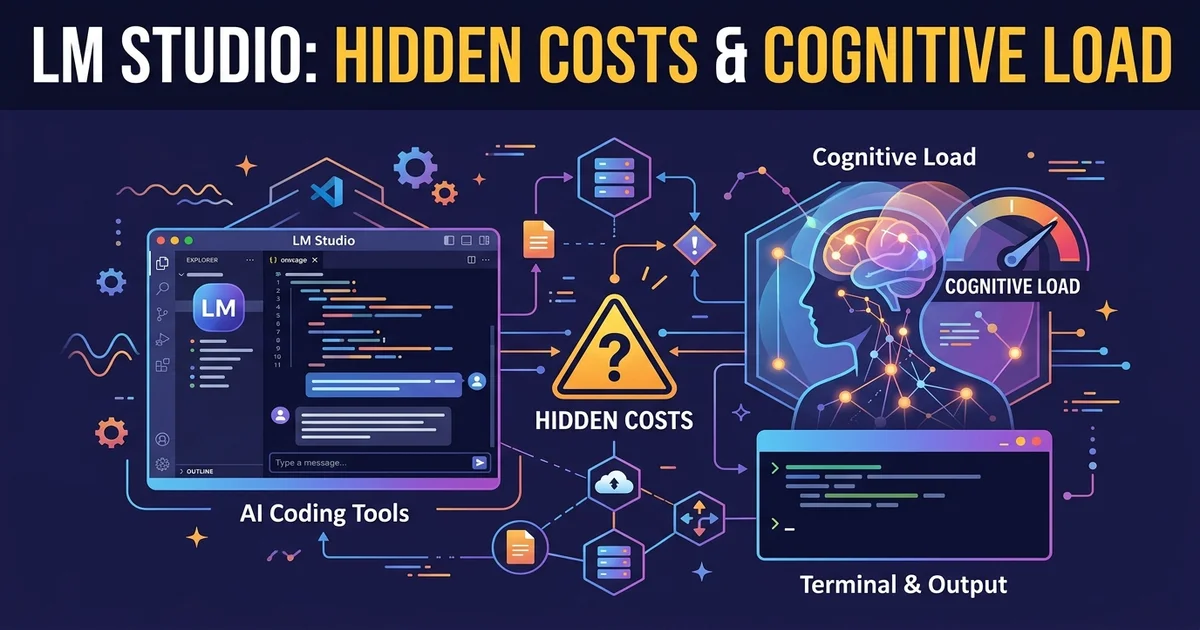
© AI Generated Image
Cost 1: The Quagmire of Endless Model Exploration and Downloads
One of the biggest advantages of running local LLMs is the freedom to use any model you want. However, this quickly becomes a drawback. LM Studio’s search interface makes it easy to explore and download countless models from Hugging Face. But this was the first hurdle, leading to ‘decision fatigue’.
For instance, I needed a model to assist with converting existing Python code to TypeScript. When I typed ‘Code Llama’ into the search bar, dozens of variant models appeared.
CodeLlama-7B-Instruct-GGUFCodeLlama-13B-Instruct-GGUFTheBloke/CodeLlama-7B-Instruct-GGUF- Various quantization versions per model, such as
Q4_K_M,Q5_K_M,Q8_0
I spent half a day just downloading and testing various models to determine which was best for my task and which quantization level would put less strain on my M2 Max memory. The process of verifying subtle performance differences, such as some models excelling in Python but struggling with TypeScript conversion, felt endless. Ultimately, I realized how much time was saved by the convenience of API services ‘automatically’ serving the optimal model.
This ‘exploration cost’ isn’t a one-time expense. Every time a new model emerges, the thought ‘Is there a better model out there?’ leads to another round of model surfing, which frequently interrupts my development flow.
Cost 2: The ‘It Worked Yesterday’ Phenomenon from Inconsistent Settings
LM Studio allows easy GUI adjustment of various parameters needed for model inference, including Temperature, Top P, Context Length (n_ctx), and most importantly, Prompt Format. While this flexibility helps find optimized settings for specific tasks, it causes severe inconsistency issues in team collaboration.
Once, I asked a colleague who had successfully generated a complex regular expression what model and prompt they used. They remembered the model name (Llama-3-8B-Instruct-Q5_K_M) but couldn’t recall the exact system prompt or Temperature value they had used at the time. Consequently, I wasted over 30 minutes experimenting with different settings to achieve similar results.
To address this, I started using LM Studio’s Presets feature. This allows saving model and parameter settings in advance based on the task type.
Example Preset Setting (.json file):
{
  "name": "Code-Generation-Strict",
  "inference": {
    "model": "Meta-Llama-3-8B-Instruct.Q5_K_M.gguf",
    "prompt_format": "llama3",
    "temperature": 0.2,
    "top_p": 0.95,
    "n_ctx": 4096
  }
}
This setting exemplifies a low
temperaturefor consistent and predictable results during code generation.
Once we established a few standard presets, such as for code review and document drafting, and shared them via Git, the ‘Why isn’t it working today when it worked yesterday?’ problem significantly diminished. However, defining and managing these rules introduced yet another hidden management cost.
Cost 3: The Cognitive Load of Manual Context Management
Modern API-driven IDE plugins automatically gather ambient context—like open files, selected code blocks, and terminal output—and include it in the prompt. In contrast, when using a general-purpose chat interface like LM Studio, developers must manually copy and paste all this context.
For example, let’s say you’re debugging a bug in a specific function.
- Copy the code of the function where the bug occurs.
- Copy code from other parts that call this function.
- Copy relevant error logs or terminal output.
- Organize all this logically and paste it into the prompt window.
This process imposes a surprisingly high cognitive load. Especially when dealing with complex logic spread across multiple files, it was common to miss necessary context or input it in the wrong order, leading the model to generate irrelevant answers. Constantly pondering, ‘What information does this model need to understand properly?’ disrupted my development flow.
This issue ultimately led me to redefine the role of local LLMs not as an all-purpose problem solver, but as an ‘auxiliary tool’ for clearly defined tasks (e.g., implementing specific algorithms, drafting API specifications). For tasks requiring complex and extensive context, relying on other tools with automated context management remained more efficient.
Conclusion: When Are Local LLMs Suitable?
Operating local LLMs with LM Studio is clearly a powerful alternative for addressing API costs and data security concerns. However, beneath the surface lie hidden costs: the time and cognitive load spent on model exploration, configuration management, and context injection. Considering these tradeoffs, here are my recommendations based on the situation:
| Situation | Recommendation | Reason |
|---|---|---|
| Solo Developer / Side Project | Highly Recommended | Allows free experimentation without API cost burdens, and the model exploration process itself can be a valuable learning experience. Configuration inconsistency issues are not critical for individuals. |
| 3-5 Person Startup Team | Cautious Adoption | To ensure overall team productivity, models and settings must be standardized. Sharing Presets or documenting specific models and their usage internally can reduce hidden costs. |
| Maintaining Large Legacy Systems | Limited Use as Auxiliary Tool | Context is extremely important for legacy code. The cognitive load of manually providing context can be inefficient compared to API-driven IDE tools. Useful only in specific cases where data security is paramount. |
In conclusion, local LLMs are not a ‘free lunch.’ Instead of saving monetary costs, we pay with another resource: our time and focus. Only when we acknowledge and control these costs can local LLMs truly become powerful productivity tools.